THE FOLDER
Why it says DCIM
The camera file system standard, first published in October 1998, sets out a shared layout so cameras, phones, computers and printers can all read the same card.
How the layout works
WHAT THE STANDARDS SAY
DCIM since 1998
AI-generated image, not a photograph of a real person or place.
Open any camera's memory card and you find the same folder.
It is called DCIM, and inside it sit numbered folders full of numbered files. That is not chance: a shared industry standard has set the layout since 1998, so cards, computers and printers can all find your pictures.
THE SHORT ANSWER
Three layers to every camera photo.
Knowing them makes your pictures easier to find.
THE FOLDER
The camera file system standard, first published in October 1998, sets out a shared layout so cameras, phones, computers and printers can all read the same card.
How the layout worksTHE NUMBER
Folder names start with a number from 100 to 999. One camera maker's manual says each folder holds files numbered 0001 to 9999, then a new folder starts.
Pick a numbering modeTHE DETAILS
Inside each file, Exif data can record camera settings, date and time and geographic data, as well as a small thumbnail.
See the numbers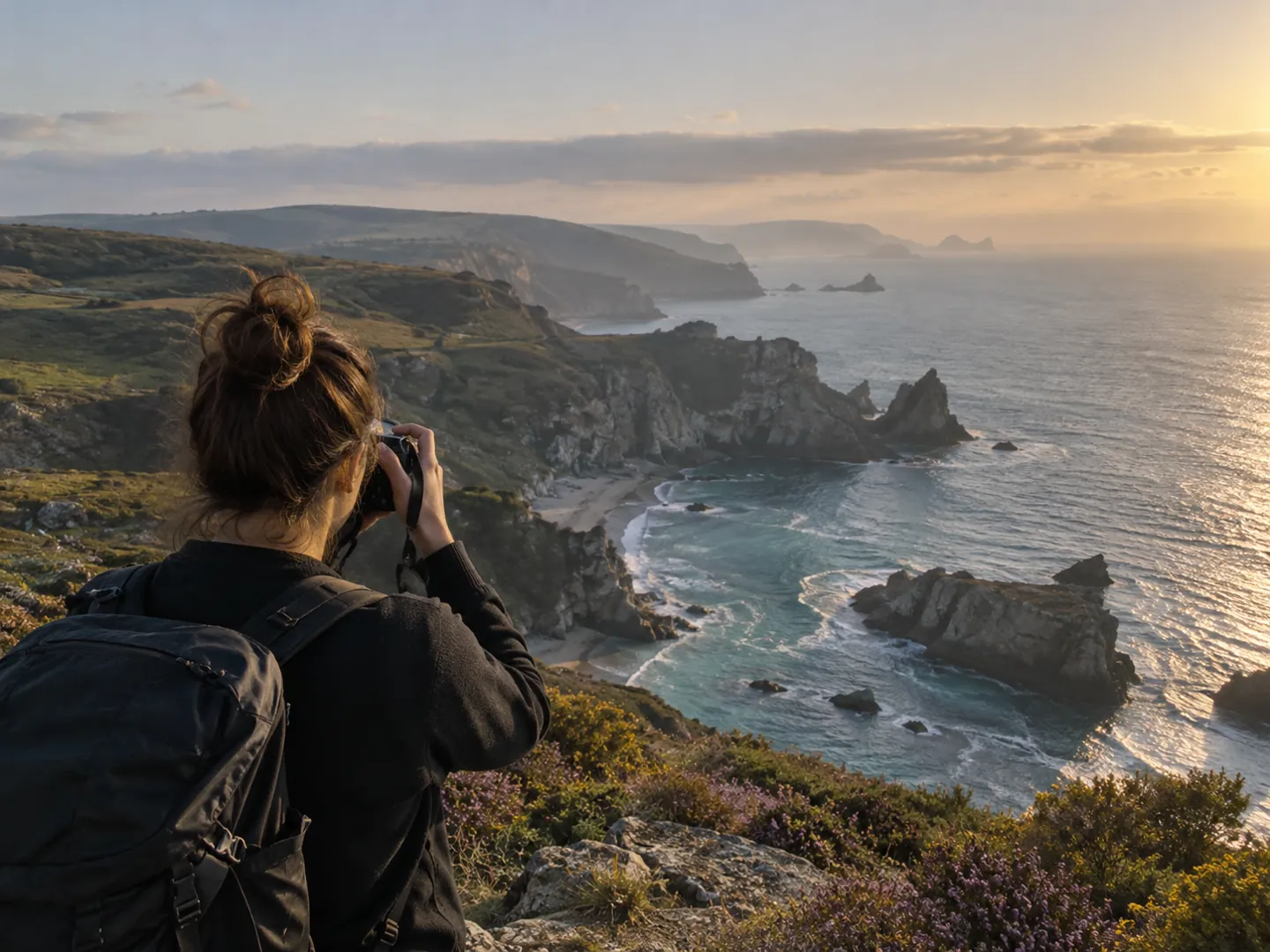
FOUR STEPS AFTER A SHOOT
A memory card is a handy carrier, not a safe store. The Library of Congress suggests moving pictures off it soon and giving them names you will recognise.
Copy photos from the camera to your computer as soon as you can, so a lost or damaged camera does not take them with it.
Create a folder inside your main pictures folder and name it after the subject or the date.
Many transfer tools let you use an event name as the start of each file name, with numbers added in sequence.
Make at least two copies of the photos that matter, stored in different places, and check them at least once a year.
TWO NUMBERS WORTH KNOWING
How many pictures fit in one folder,
and how the folders themselves are counted.
9999
Highest file number in a folder
One maker's manual says images are numbered 0001 to 9999 in each folder. When a folder is full, a new one with the next folder number is created automatically.
FILES · PER FOLDER
100–999
Range of folder numbers
Folder names begin with three digits from 100 to 999, then five letters or numbers. The same manual warns that when folder 999 reaches file 9999, the camera stops shooting until you change the card.
FOLDERS · ON A CARD
The Library of Congress says Exif, the metadata format inside camera files, is supported by almost all digital cameras and widely by smartphone cameras. Its first version dates from 1996; the latest, version 3.0 of 2023, added UTF-8 (Unicode) text and new or revised tags such as Title and Photographer.
A QUICK SETTINGS CHECK
Many cameras offer three file numbering modes. Pick one to see what it does. The bar shows how often the numbers start again from 0001.
Based on a camera maker's published manual for one model. Menu names and behaviour vary between cameras, so check your own manual.
HOW THE LAYOUT WORKS
The Design rule for Camera File system, known as DCF, covers devices that capture, display, store and print images, from digital cameras and camera phones to photo frames and printers. It works on cards formatted with the common FAT and exFAT file systems.
Folder names follow a pattern such as 100ABCDE: three digits, then five letters, numbers or underscores. On a computer, one maker's files appear as names like IMG_0001.JPG, with a different prefix for video.
In conversation
DCIM, short for digital camera images, is the folder where a camera keeps its photos and videos. It comes from the Design rule for Camera File system (DCF), a shared standard first published in 1998, which gives every card the same layout so cameras, phones, computers and printers can all find the pictures. Inside it sit numbered folders such as 100ABCDE, each holding numbered files such as IMG_0001.JPG.
Android phones do. Android's developer documentation calls DCIM the traditional location for pictures and videos when the device is mounted as a camera, and says it is a convention for the top-level shared folder. So when you connect the phone to a computer, look for DCIM at the top of its storage.
Cameras number files in sequence, from 0001 to 9999 in one maker's manual, and add a short prefix. That maker's JPEG files appear as IMG_0001.JPG and its movie files start with MVI_.
In one maker's manual, a folder holds files numbered up to 9999, then a new folder with the next number is created. If folder 999 reaches 9999, shooting stops until the card is replaced.
Some cameras allow it. One manual says a folder made on a computer must sit inside DCIM and follow the pattern of three digits from 100 to 999 and five letters, numbers or underscores.
Exif data. The Library of Congress lists descriptive metadata, copyright details, camera settings, date and time, geographic data and a thumbnail among the things it can hold.
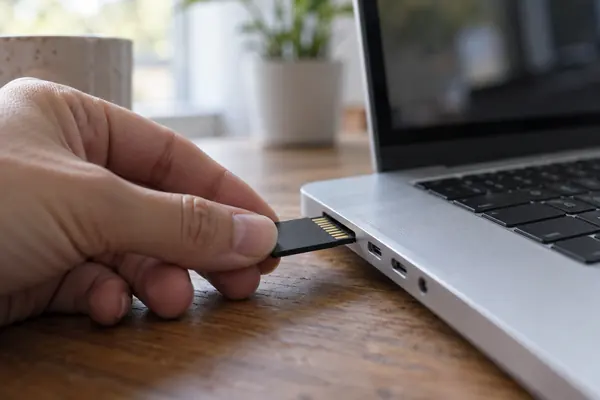
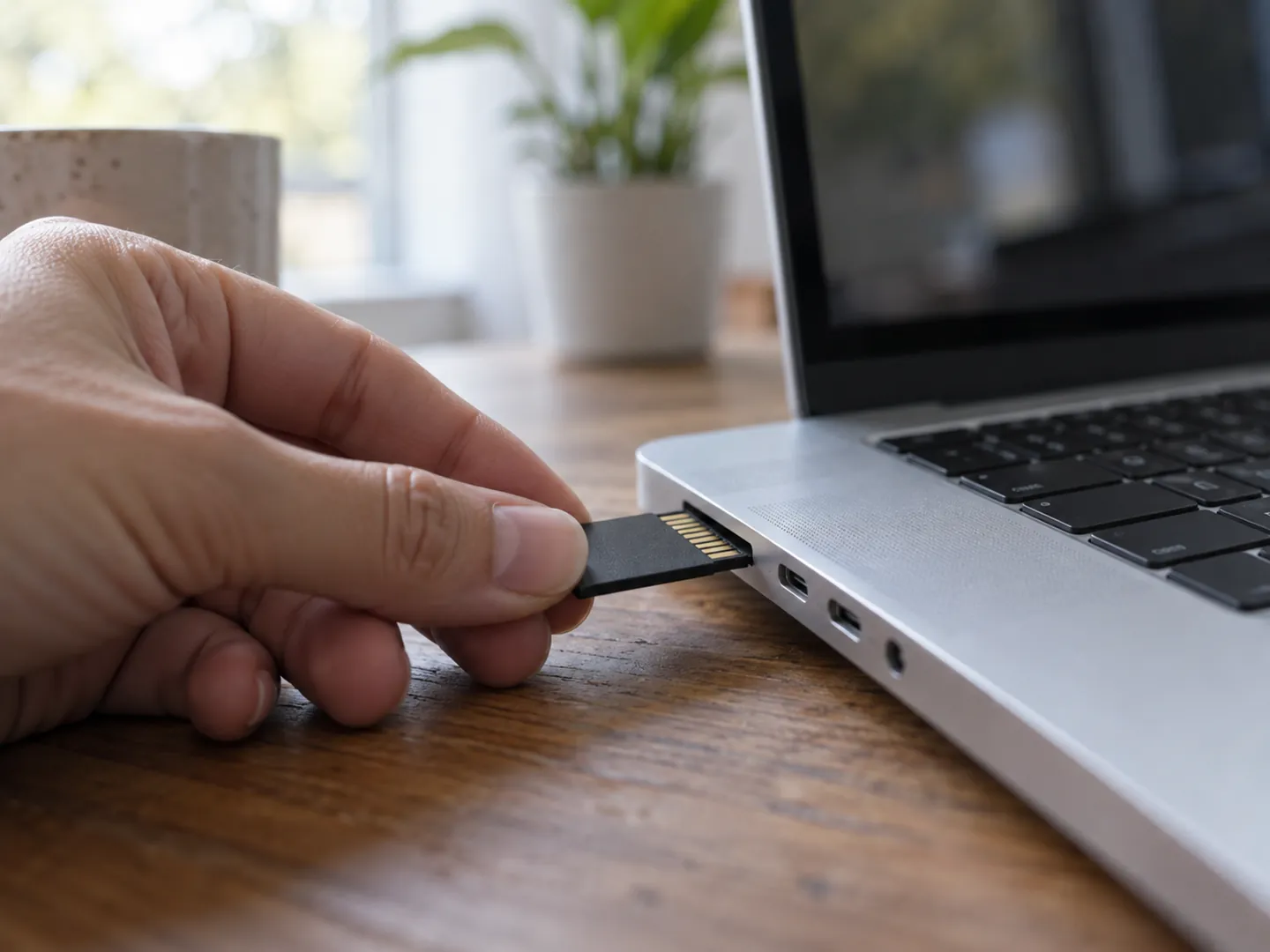
Three checks help. Capacity type: SD, SDHC, SDXC and SDUC cards only work in devices built for that type or a newer one, so an SDXC card will not work in a camera or reader made only for SDHC cards; the SD Association suggests matching the logo on the card to the one on the device. Speed: it also advises choosing a card with the same or a higher speed class symbol, such as U3 or V30, than the one shown on the camera, its packaging or its manual. Reader: pick one that takes the same card types as your camera and plugs into a port your computer has, so you can copy the DCIM folder without the camera.
Each figure on this page comes from the sources below.
ABOUT THIS NAME
camerafolder.com is part of the DoodleSale portfolio. It isn't in an auction right now, but you can ask about leasing it.